
Web Kids Inc.

"A new way to learn web design."

Web Design Camp
Website - sbwebkids.com

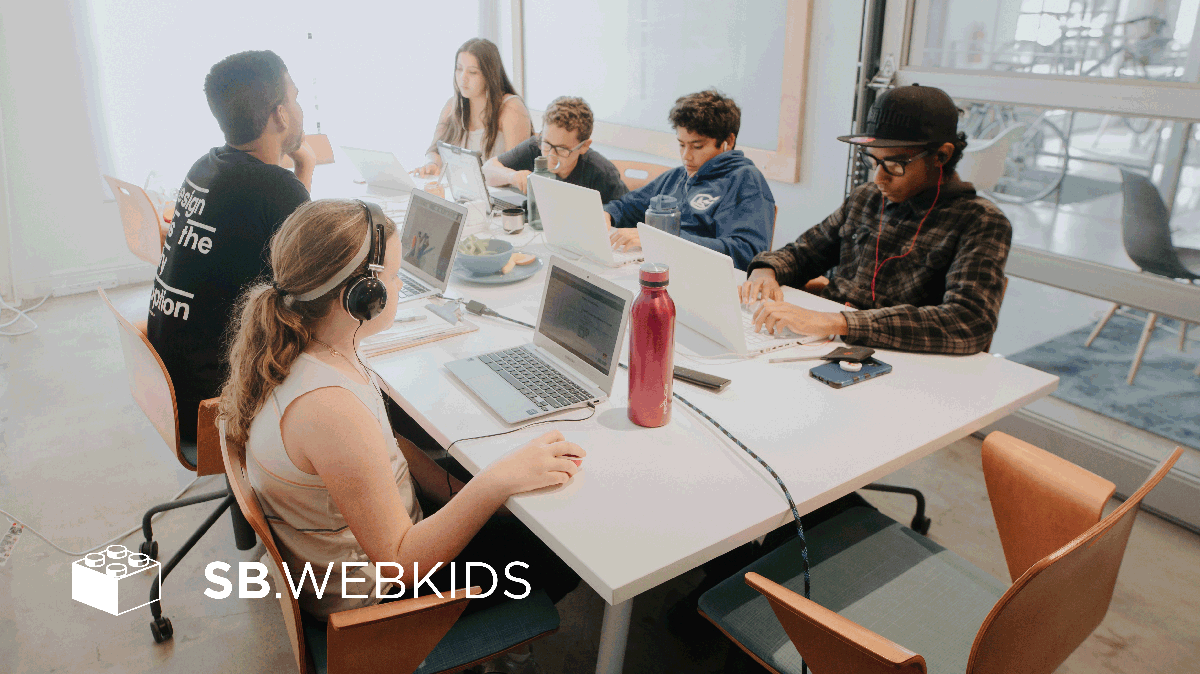
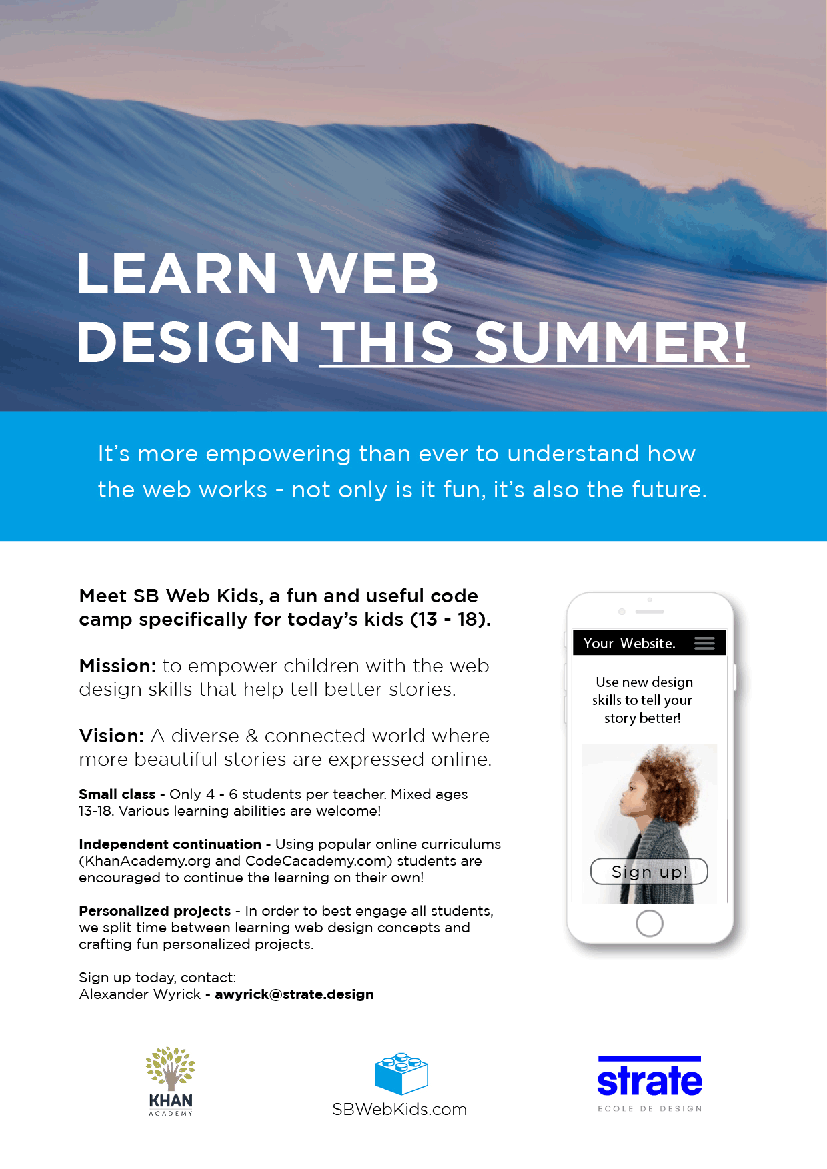
About: This project started as an elaborate user research program to discover insights on chatbots in the classroom. Working with a professional photographer, a local tech blogger, and the co-founder of a beautiful co-working space, I organized a 2 week in-person web design camp to guide 5 diverse students through popular online coding lessons.

Challenge: As follow up to an 80-page thesis paper (on Ai in EdTech) I needed to produce original research on chatbots within the context of online learning. How could I study messenger style direct chat interactions within an online learning setting?

Solution: I devised an in-person web design camp that I could moderate using a classroom Slack channel - acting as a chat bot myself. Why web design? Because I wanted to learn too!

Process: To create an effective course I conducted in-depth competitor analysis and relied on my recent study of developmental psychology, designing a curriculum blending both popular and totally original exercises, building a website, and earning the trust of parents to put the course into practice.

Research

Competitive analysis:

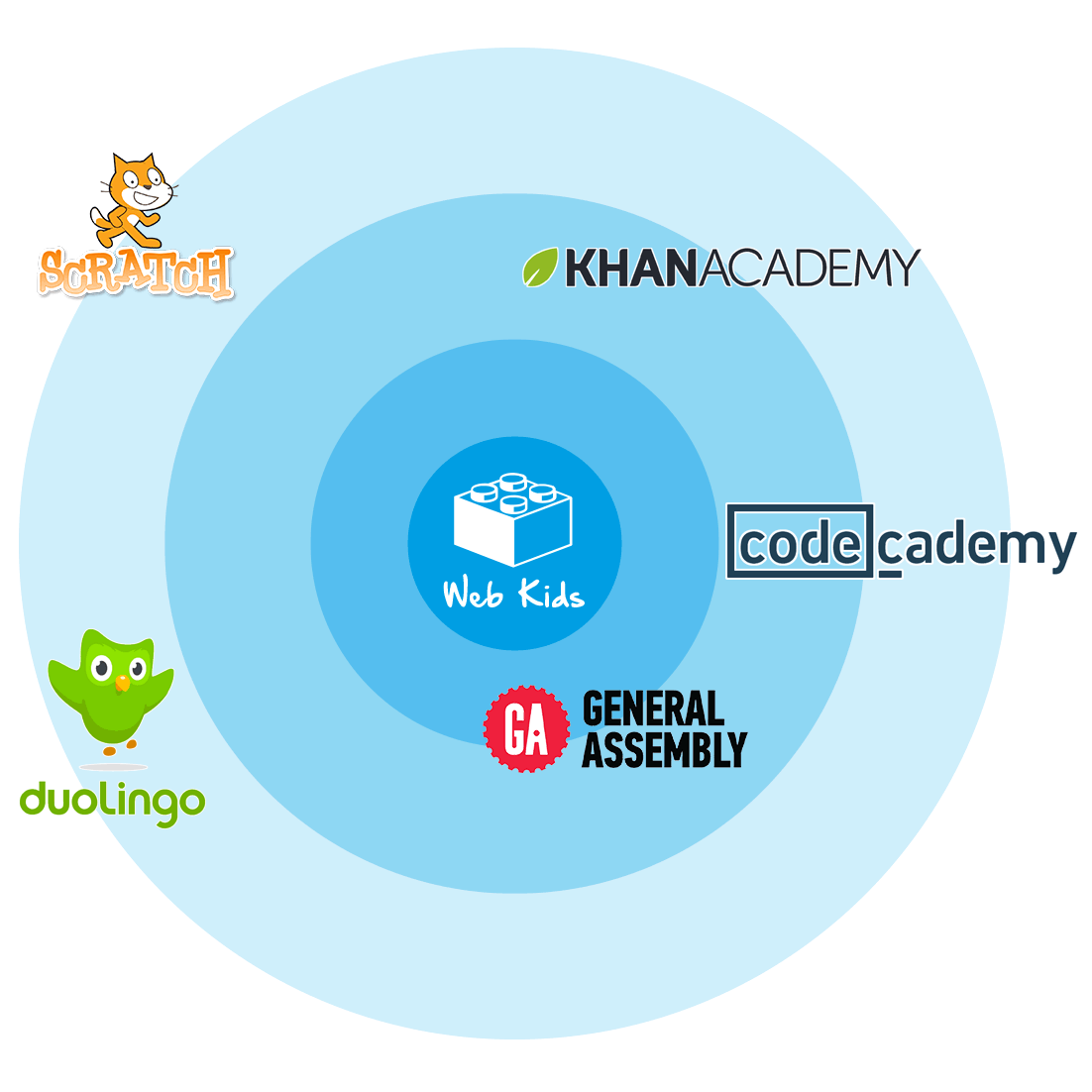
Studying the modern education landscape at length, I aimed to incorporate 3 key benefits of e-learning:

• Self-paced lessons for personalized learning rhythms.
• Greater levels of interactivity and student tracking online.
• Off site continuity at home.

I also took inspiration from my 6 months of in-person General Assembly courses by adding in live coding exercises and creative activities.

• Creative writing
• Story boarding
• Digital thank you cards
• Wireframing

Curriculum:Instead of creating new HTML/CSS lessons to compete with well established programs, we took a hybrid approach by blending the use of best in class courses with in person coding exercises. This proved to be a valuable approach where students would get a formal vocabulary online and then we would immediately practice in live participatory demonstrations.

I knew that CodeCademy had great classes that would work but I tested a few hours of Khan Academy's HTML/CSS courses and they felt much more friendly for the younger demographic.

Create

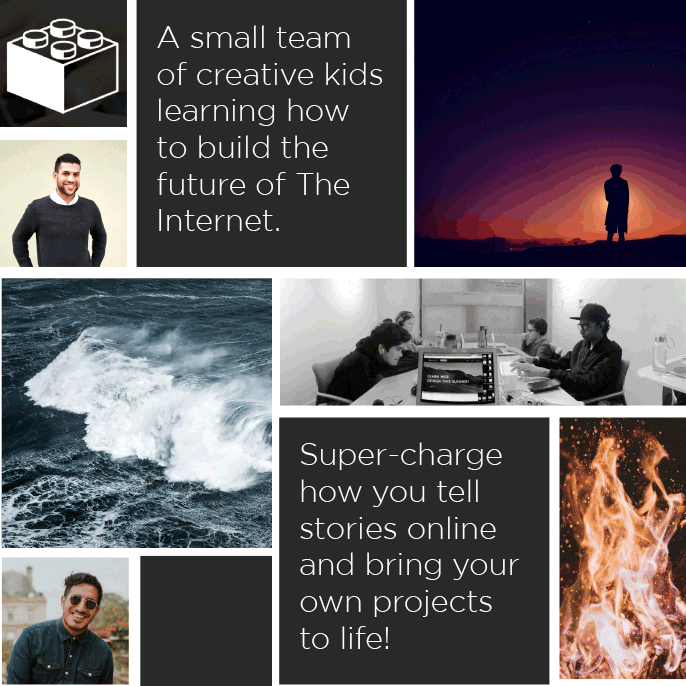
The story: Based on my view of designers as the modern story tellers, I pitched the camp around the premise of teaching teens how to tell better stories online. I also pushed the internet as a future facing skill.


Recruitment: For research purposes I wanted the most diverse set of students possible. This would help me learn key differences between ages, gender and other characteristics. I brought flyers to local school principals and asked them to refer only students they felt would most appreciate this camp. I connected with a good set of parents taking in 2 girls (12 and 16) and 3 boys (12, 13, and 18).


Curriculum: Ten 5-hour days were split into 4 main activities:
• Online coding lessons - Khan Academy (65%)
• Live coding exercises (15%)
• Creative sessions - writing/drawing/photoshoot (10%)
• Field trips to meet the pros (10%)

Content:
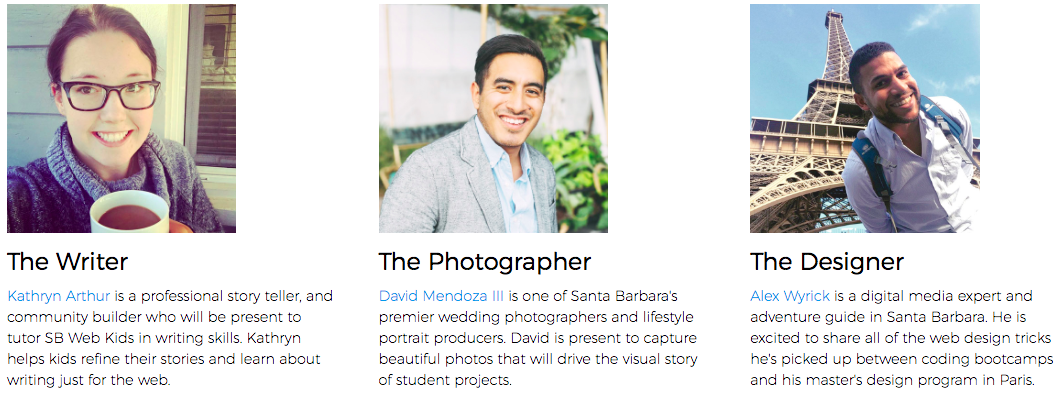
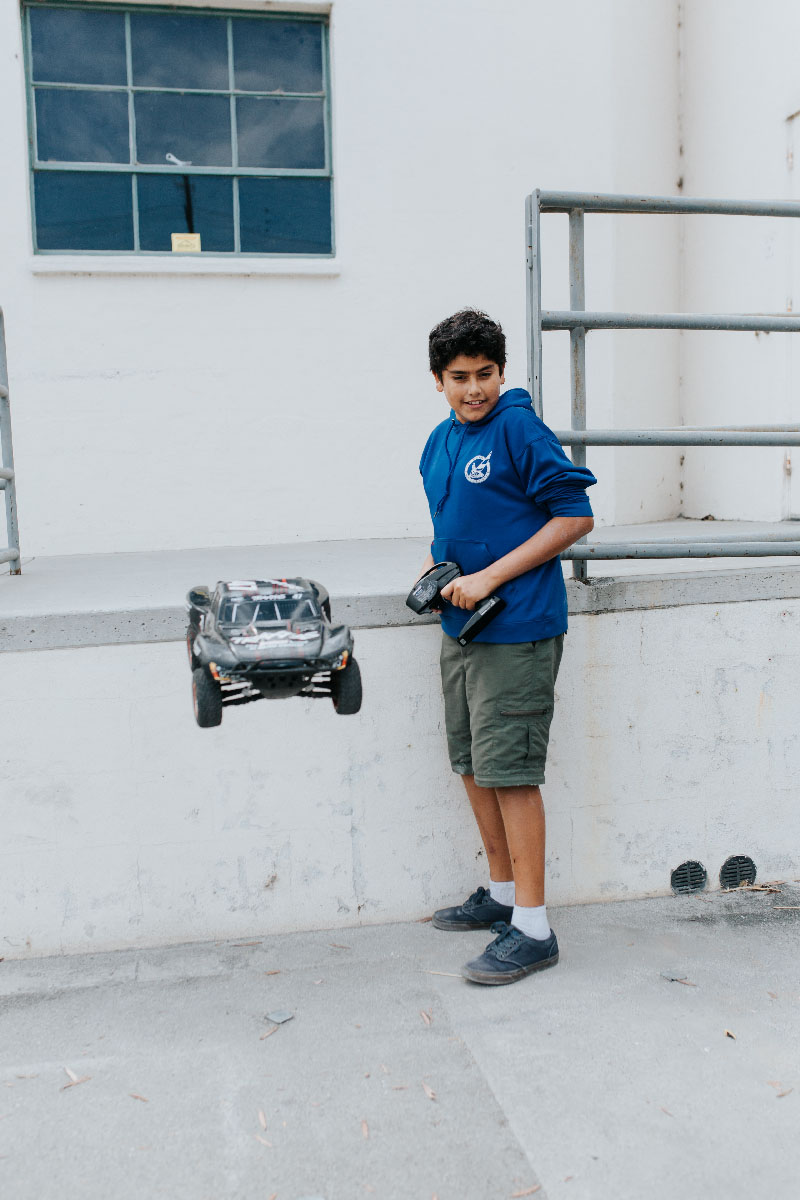
The use of crisp text and strong images is a must in web design. For this I recruited a professional blogger as the TA, and a photographer would come in one day to do photo shoots with each student and their hobbies.


Live coding:
I made mockups of websites we could build together in class. I would share a .zip file with the class which included the images used, and raw text elements as well as a screenshot of the finished website. We would establish our file structure and then take turns building the website piece by piece from scratch (HTML/CSS) using Sublime text editor.


Field trips: I also lined up 2 field trips to "meet the pros". I managed to snag company tours lead by real web design departments at SLTWTR Creative, and at the Sonos HQ in Santa Barbara. We were able to interview career web designers and see how what we were learning in class related to real world jobs. The kids were blown away by these trips.

Findings

Ownership: I learned quickly to push back on students with questions and ask them to elaborate on the issue. In most cases students found their own solutions much faster than I could have helped them. This trend began to reminded me of a concept called rubber ducky coding. Rubber ducky coding is an awesome lesson in trouble shooting your code. It's also a life lesson on ownership of your challenges, and how to systematically breakdown down any problem.

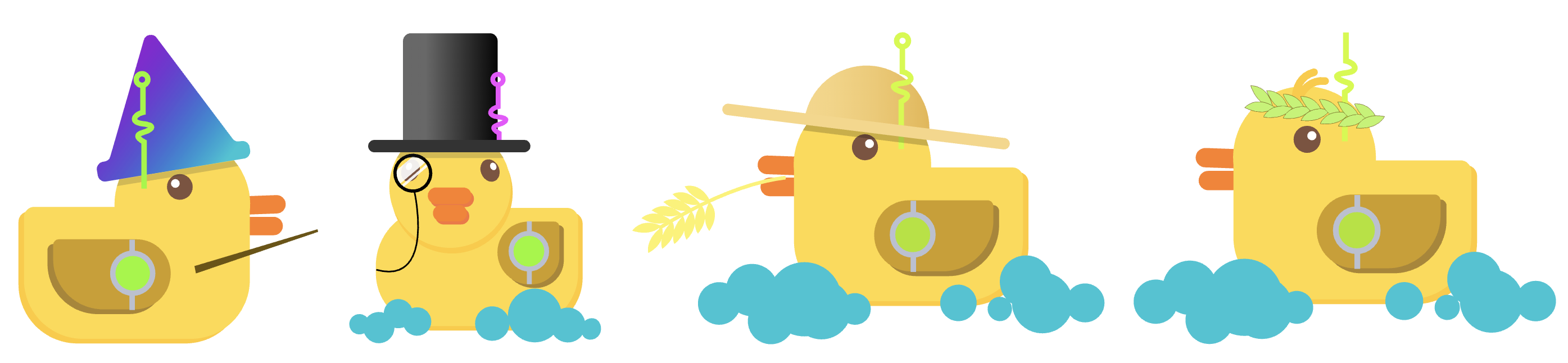
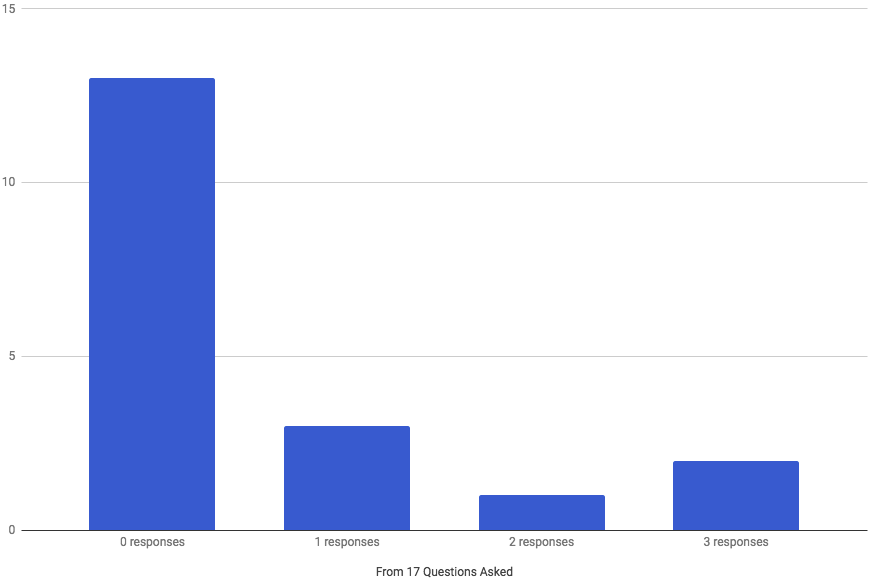
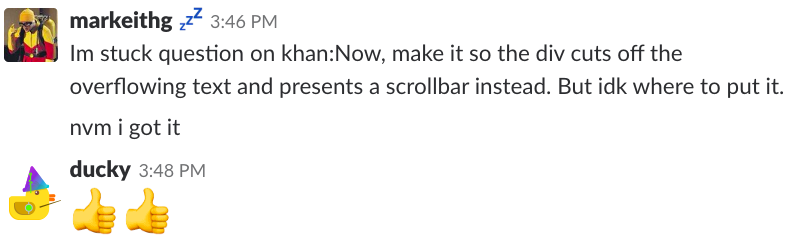
Pushing-back: By day 3 I would introduce a rubber ducky character to our classroom Slack group and insist that all questions be typed out and messaged to Ducky. When a hand was raised I would ask them to please type it out. I began to study the number of responses it took on average to help a user work through their challenge.


In most cases students would raise their hand or call out my name first for help. In such case I would ask students to please type the question to Ducky on Slack. I didn't count this as an actual support response - it was only a suggestion to use chatbot support.

In 72.2% of these instances, users would resolve their own issue before or without actually sending any messages. I knew the resolved their issue because I would check back in with them if I get a message in Slack within 3-5 minutes.


Another "0 response" instance would be when users would resolve their issue before I could respond.


I wish I had also tracked how often users would do the "three dot dance". I noticed this a few times but didn't think to record these occurances which would more clearly represent students begining to type out their challenges.


Conclusion:

I learned a lot through leading this course. Most importantly I learned about the power of coaching people to resolve their own questions. I also leared about the power of writing a problem down in order to find answers.

I learned 2 obvious things about the types of students that excelled in this environment:

• Younger students were more distracted than the older ones.

• Young girls were most open to engaging with other girls (including the 24 y.o. female TA.)

The kids learned much more than I ever anticipated. The ducky method tought them about being persistent and breaking down issue systematically. In a big way, they were also learning computer basics and how to manipulate the internet. I could see where tricks like keyboard+shortcuts and editing in Chrome inspector are sure to be skills these young students will leverage for years to come.

With positive feedback from the local community, I aim to continue this camp in coming years - even if I cannot lead the instruction myself. I recently registered Web Kids Inc. as a non-profit organization.
Please check out the website I built - www.SBWebKids.com

Bonus:

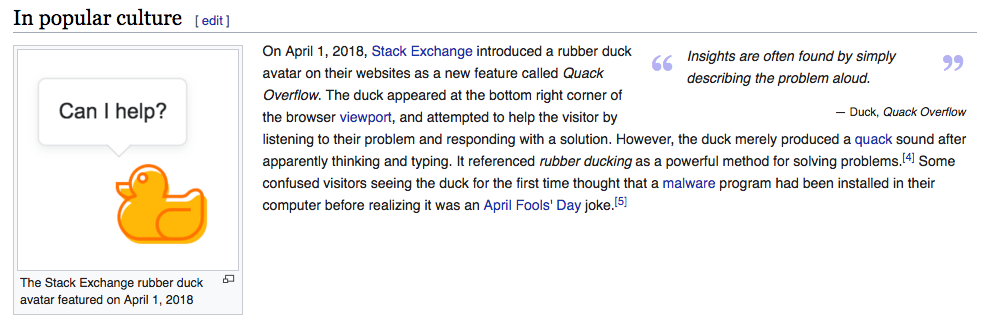
I recently discovered that StackOverflow introduced the exact same concept 10 months after I first developed it for Webkids Inc.

view resumé


Projects

Card image cap
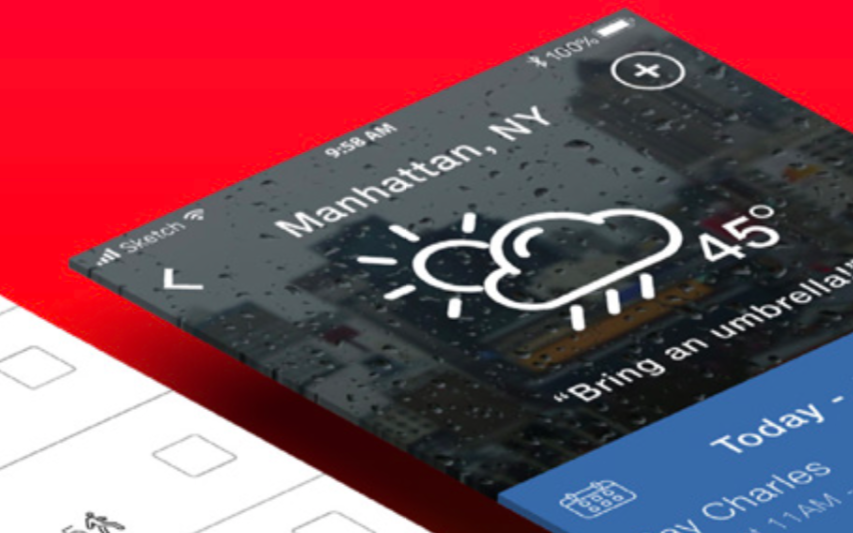
Waterline Data Science

Fullstack UX for a big data SaaS with AI prediction; UX research, wireframes, mock-ups, prototypes, personas & more.
View project
Card image cap
1-week design sprint

End-to-end design sprint. User-interview, storyboarding, wireframing, UX/UI, user-testing, and prototype.

View on Medium
Card image cap
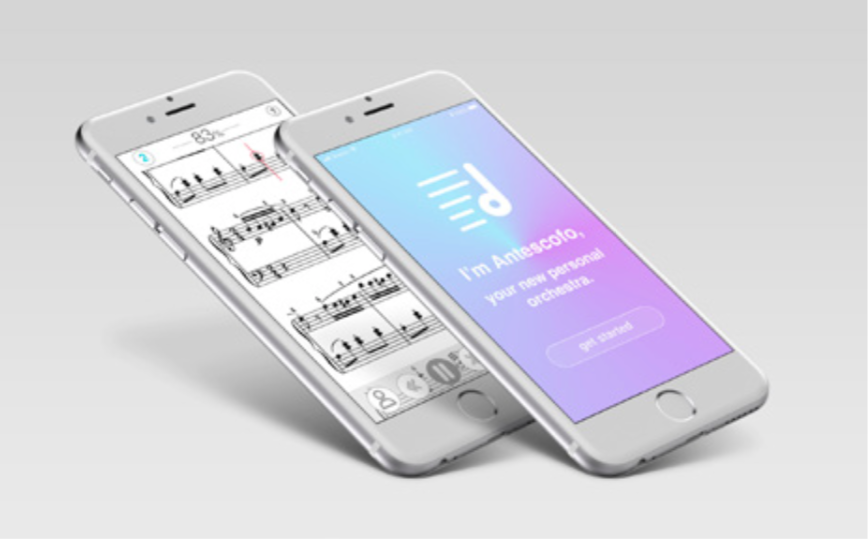
Metronaut for iOS

User interviews, user personas, user scenarios, wireframes, user testing, and hi-fidelity mockups.

View project
Card image cap
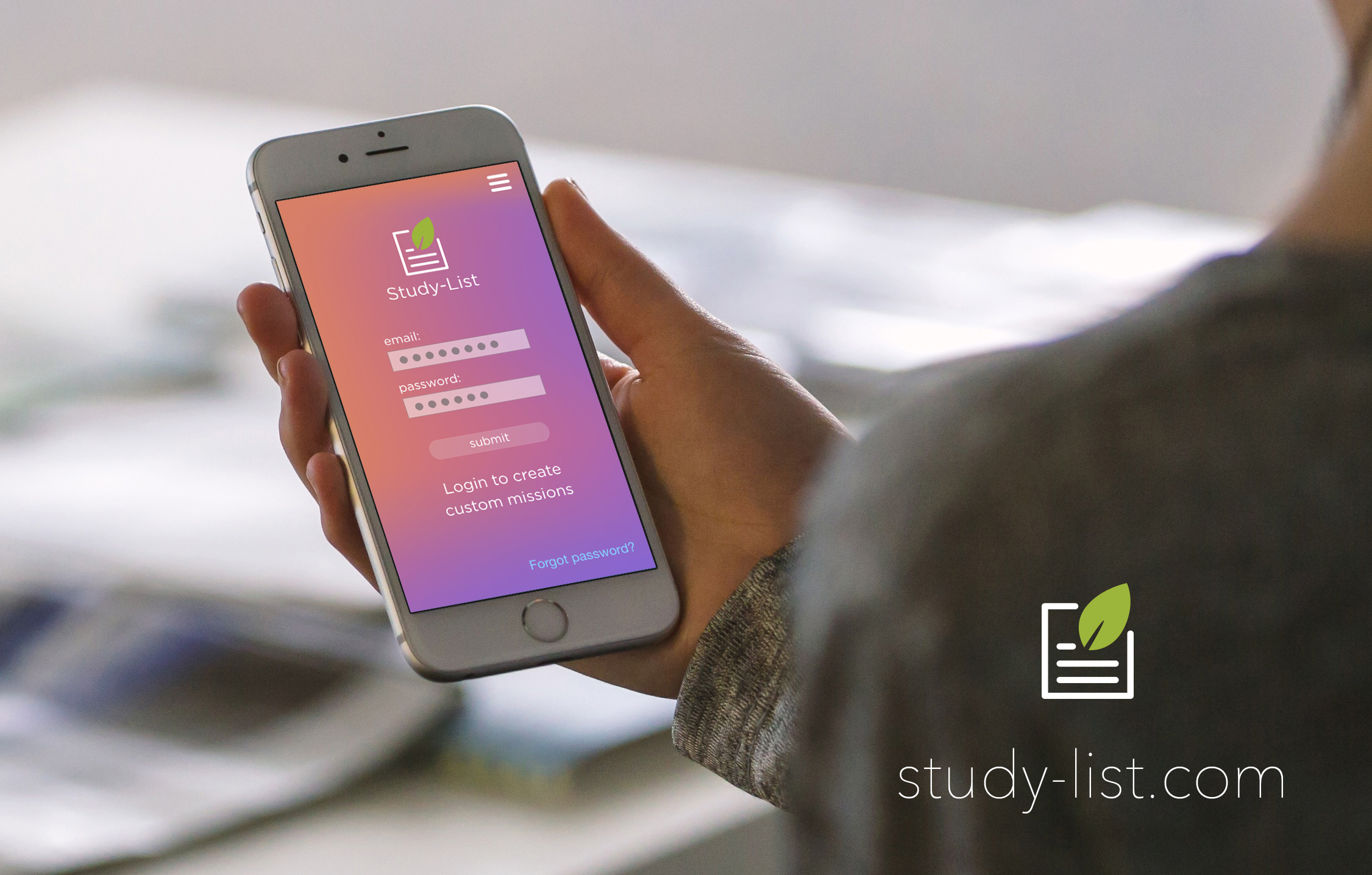
Studylist for Khan Academy

User research, user personas, info architecture, custom icons, design mock-ups, and landing page.

View project
Card image cap
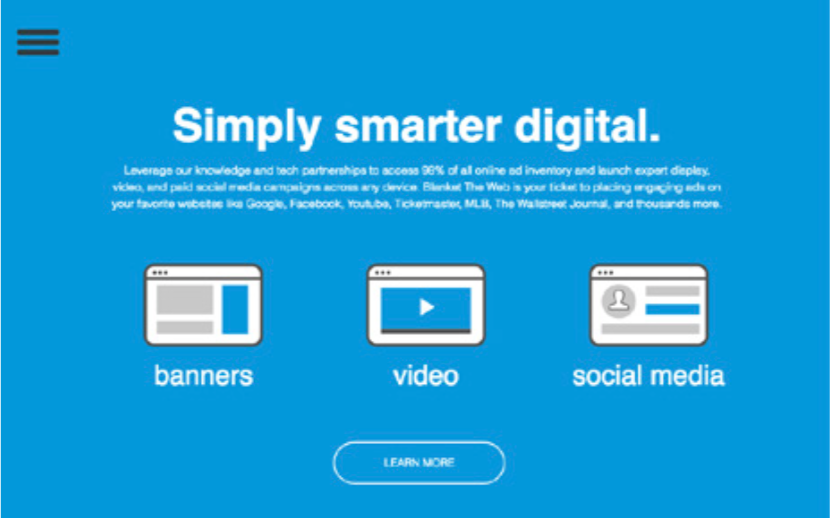
Blanket The Web, LLC

Audience targeting, agile testing, ad design, interaction design, web design, and presentation slides.

View project
Card image cap
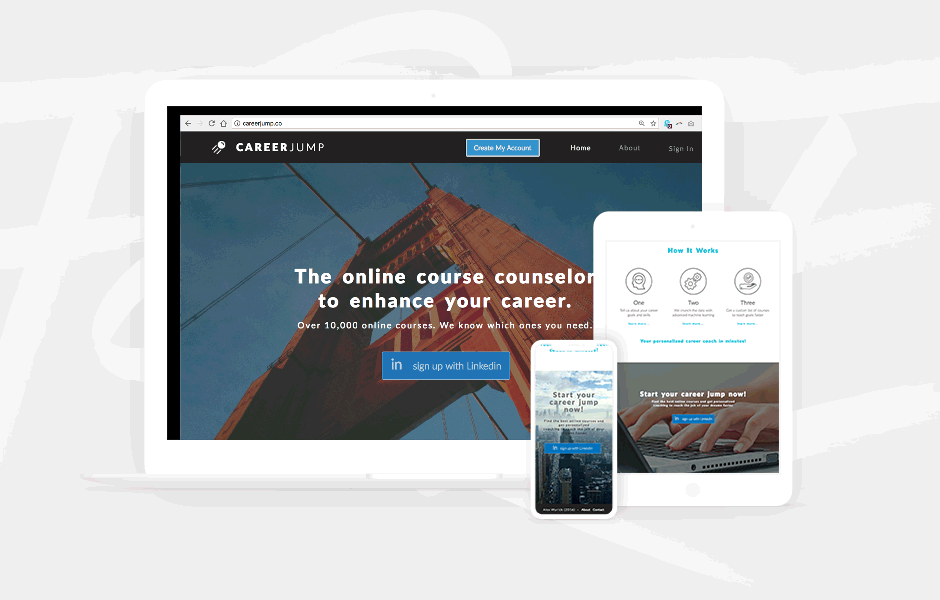
Career Jump

Comming soon, an EdTech project inspired by Startup Weekend, Amsterdam.

coming soon!

What recent managers have said: